
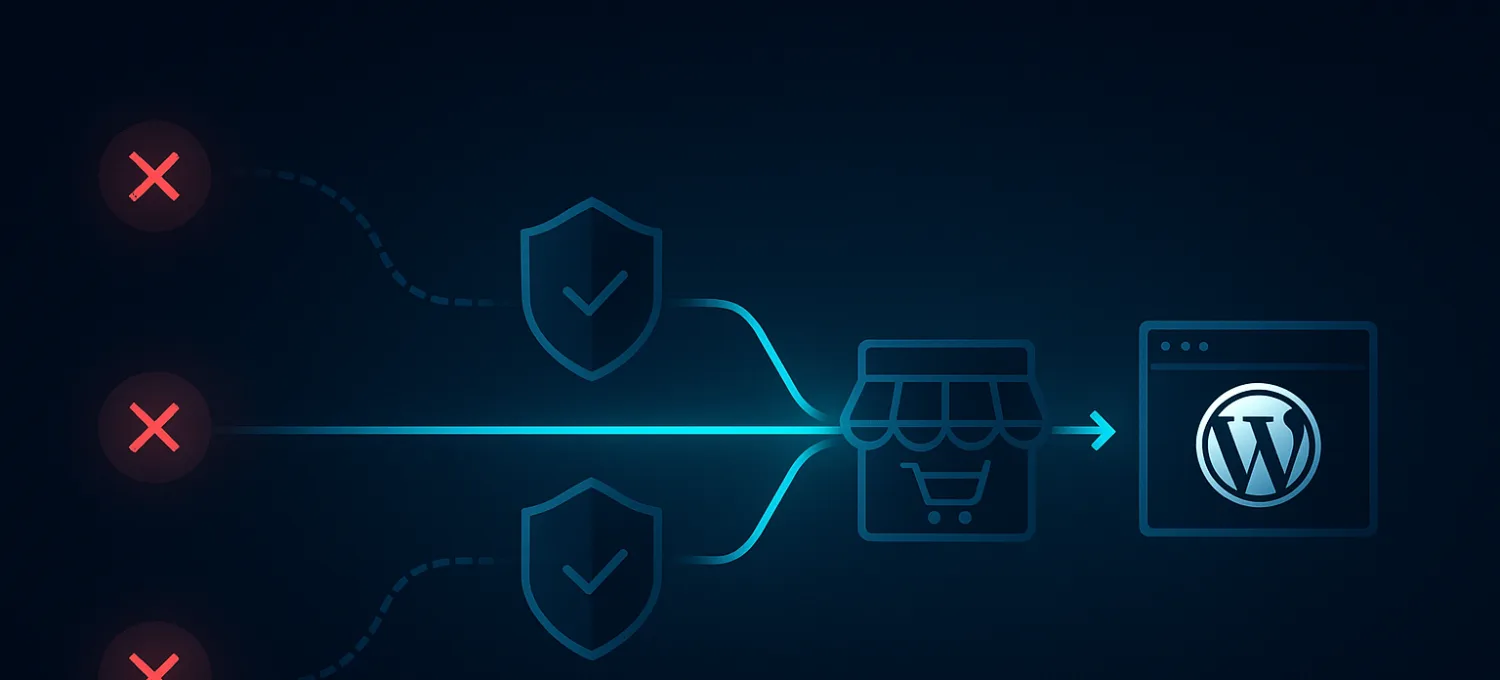
A lot of WordPress incidents do not look like incidents at first.
The store is still up. Pages load, but not consistently. Checkout hangs for a few users, then works again. Login requests spike. Support gets messages about failed orders, duplicate submissions, or random slowdowns that nobody can reproduce on demand.
Usually the origin is doing too much work for traffic that should never have reached it in the first place.
That is why automated incident response matters on WordPress and WooCommerce. The value is not theoretical. It is about shortening the gap between “something is wrong” and “the right response is already happening.”
What Automated Incident Response Actually Means
In practical terms, automated incident response means:
- detect a known bad pattern
- add enough context to classify it correctly
- trigger a predefined response before a human has to start clicking through dashboards
This is not about replacing operators. It is about removing delay from repetitive decisions.
On WordPress, that can mean:
- challenging a login-abuse spike automatically
- rate-limiting a surge against checkout or account paths
- tightening protections when scraping behavior crosses a threshold
- alerting operators only when the automated control did not calm the incident down
If the same incident pattern keeps forcing a human to do the same five steps, it should become a playbook.
Why Manual Response Breaks Down on WordPress
Manual incident handling works poorly against automation.
The familiar sequence looks like this:
- users feel pain first
- someone opens logs and graphs
- the team argues about whether the cause is hosting, a plugin, the database, or traffic
- a few IPs get blocked or one setting gets changed
- the request pattern shifts and the cycle starts again
That workflow is too slow for:
- login abuse
- fake order noise
- low-and-slow scraping
- bursts against expensive dynamic endpoints
- application-layer floods that stay just noisy enough to hurt without creating a clean outage
The problem is not only that humans are slower than bots. The problem is that WordPress is expensive per request on the wrong paths.
What Good WordPress Incident Automation Needs
The easiest way to understand this is to break it into four parts.
1. Detection based on behavior
Detection should be based on abnormal behavior, not panic.
For WordPress and WooCommerce, useful signals include:
- failed-auth bursts against login or account routes
- repeated cart or checkout posts without realistic session progression
- search or filter traffic that behaves more like extraction than browsing
- bot-like request waves against XML-RPC, admin-ajax, or plugin-specific endpoints
- spikes in dynamic-path traffic without matching business activity
If the only signal is “the server looks busy,” the detection layer is too weak.
2. Enrichment and context
An incident is easier to classify when you know:
- which path is under pressure
- whether the traffic pattern is new or recurring
- whether the source looks human, scripted, or distributed
- whether the affected path is business-critical
- whether a recent deployment changed behavior before the incident started
This is what separates a real response system from a noisy alert system.
3. Playbooks
A playbook is just a pre-decided response path.
For WordPress, playbooks should be specific:
- “failed login wave against
/wp-login.phpwith no normal session behavior” - “checkout POST surge with incomplete session progression”
- “search/filter scraping against uncached query paths”
- “XML-RPC or admin-ajax burst inconsistent with normal traffic”
The point is to define safe actions in advance so nobody improvises during the incident.
4. Early action
The strongest response happens before WordPress has to do expensive work.
That means:
- challenge
- rate-limit
- throttle
- path-specific tightening
- upstream filtering
If the response only happens after WordPress fully boots, the origin has already paid some of the cost.
Good response does not just stop the attack. It preserves room for legitimate users.
Example Incident Playbooks for WordPress and WooCommerce
Login and account abuse
This is one of the most common patterns.
Useful playbook:
- trigger on repeated failed authentication or odd account-path behavior
- compare rate, session continuity, and path targeting
- challenge or rate-limit at the edge first
- alert operators only if the pattern persists after automated controls engage
This is much stronger than blocking a few IPs by hand.
Scraping and inventory watching
Scrapers are often not loud enough to trigger a classic outage.
They still create cost by repeatedly hitting:
- product pages
- search
- filtered archives
- pricing and availability views
Useful playbook:
- detect request shape rather than only raw volume
- throttle or challenge the expensive query paths
- distinguish normal browsing from extraction behavior
Fake orders and checkout pressure
WooCommerce turns abuse into both infrastructure pain and business noise.
Each fake checkout attempt may trigger:
- session work
- tax or shipping logic
- payment-related integration behavior
- stock or order table writes
Useful playbook:
- trigger when checkout behavior looks synthetically repetitive
- compare against realistic session progression
- challenge or restrict suspicious checkout attempts before they reach WooCommerce
- escalate only if payment success or order completion begins to degrade
Application-layer floods
Not every DDoS is a dramatic bandwidth event.
Some floods just target the exact endpoints that are most annoying for WordPress to process.
Useful playbook:
- detect abnormal concentration on dynamic, uncached routes
- move to stricter path-level controls fast
- preserve cached content for normal users while protecting the origin from the expensive routes
How to Measure Whether Automation Is Helping
A lot of teams measure the wrong thing.
Start with business and operational friction:
- did login success for real users stay stable
- did checkout completion recover faster
- did support noise decrease
- did fake order volume drop
- did admin responsiveness improve during the incident
Then look at technical relief:
- lower origin load on targeted dynamic paths
- fewer worker stalls
- fewer repeated incidents of the same type
- faster mitigation time after the first bad pattern appears
If automated response creates more alerts but not less friction, the playbooks are weak.
Why Edge Placement Matters
This is the part many WordPress teams miss.
A plugin can still contribute to incident visibility, but origin-only response is too late for many traffic-quality problems.
If hostile traffic can still:
- wake PHP
- consume workers
- touch database logic
- trigger WooCommerce sessions
then the origin is still being used as the first line of defense.
That is exactly what should change.
FirePhage’s model is useful here because it pushes response earlier:
- managed WAF
- path-aware controls
- bot filtering
- DDoS mitigation
- readable operator signals
The application still matters, but the application should not be the first place every junk request gets to argue its case.
Shift from Reaction to Prevention
The real value of automation is not only faster blocking.
It is changing the operating model from:
- wait for pain
- inspect under stress
- guess
- react manually
to:
- detect known patterns
- run trusted playbooks
- protect critical paths quickly
- let humans focus on tuning and ambiguous cases
That is the shift that makes WordPress and WooCommerce incidents less chaotic.
If your WordPress or WooCommerce site keeps suffering from login abuse, scraping, fake orders, or low-and-slow origin pressure, FirePhage is built for exactly that kind of incident model. It helps detect and respond earlier at the edge so the origin spends more time serving real users and less time fighting predictable junk traffic.